




-16%






Printers, Printers

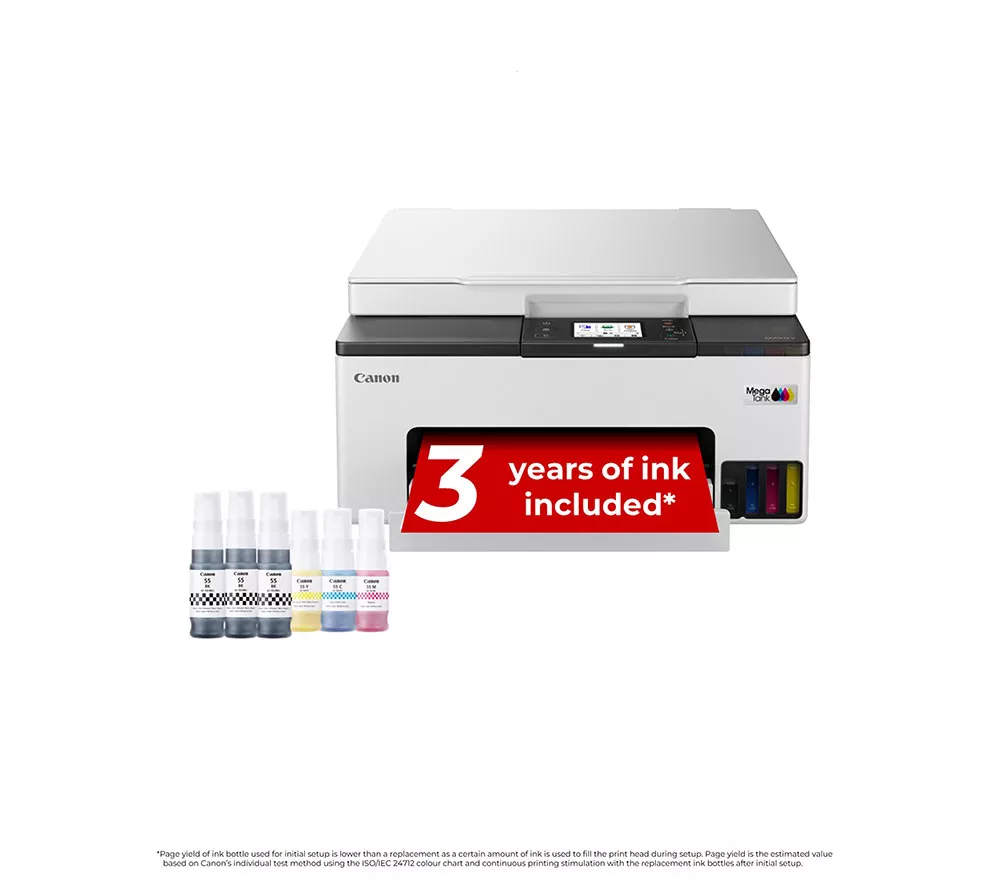
CANON MAXIFY GX1050 All-in-One Wireless Inkjet Printer
Availability:
In stock
✅ Genuine UK Product
📦 Brand New & Factory Sealed
🛡️ Includes Manufacturer's Warranty
📦 Brand New & Factory Sealed
🛡️ Includes Manufacturer's Warranty
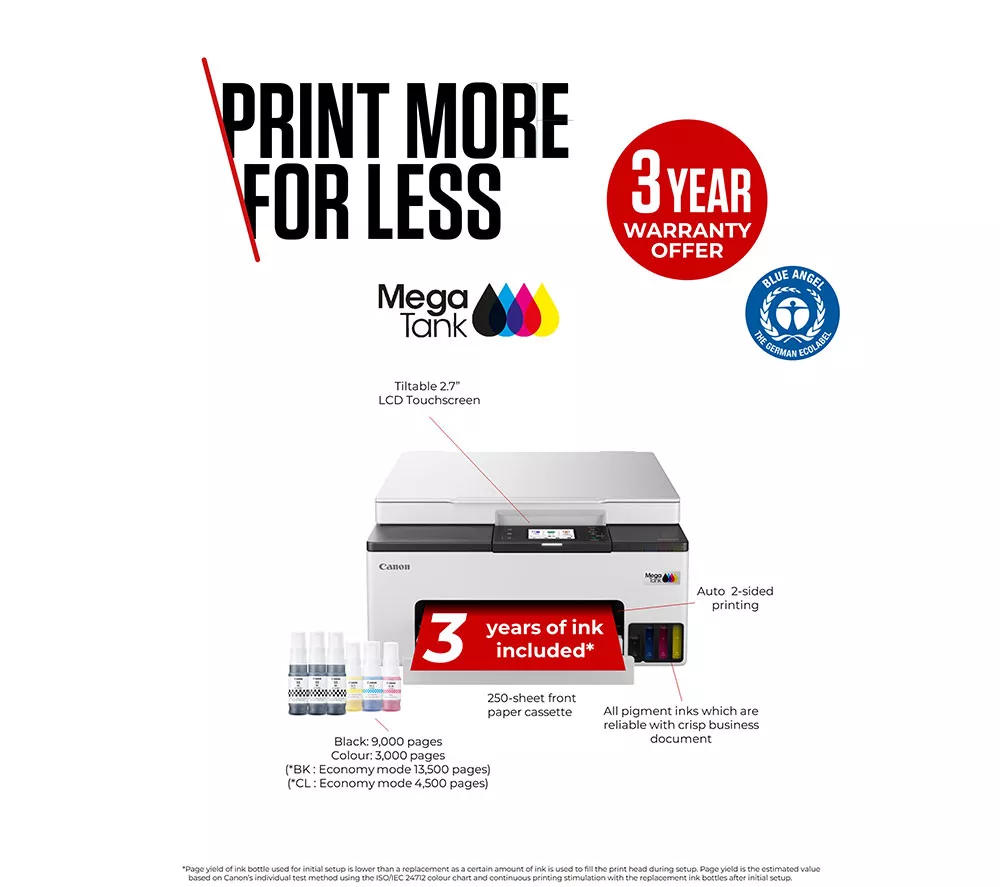
- Includes enough ink for 9000 black or 3000 colour pages
- WiFi / Apple AirPrint
- Automatic double-sided printing
- Claim a 3 year guarantee
£268.79 £319.99
€310.55 Current price is: €310.55.Original price was: €369.70.
In stock
Technical specifications for CANON MAXIFY GX1050 All-in-One Wireless Inkjet Printer
OVERVIEW
Type
Office printer
Function
– Print
– Copy
– Scan
– Copy
– Scan
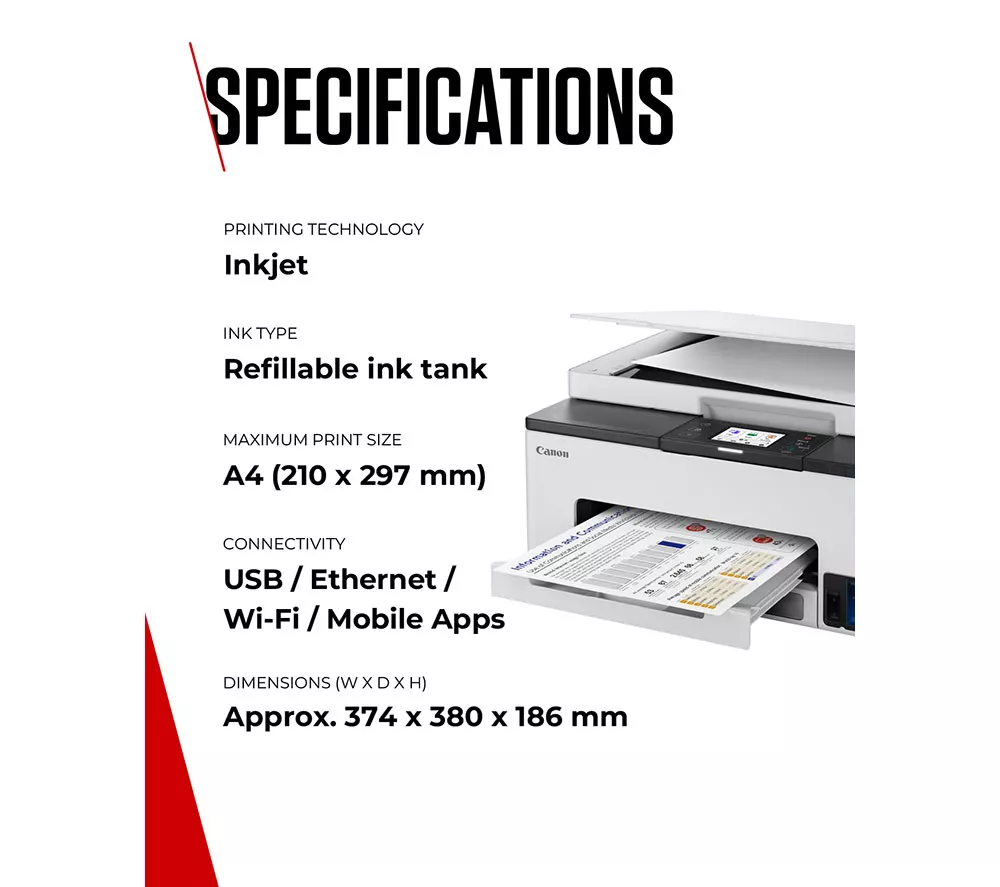
Print technology
Ink tank
Display
2.7″ LCD touchscreen
SCANNER
Scan resolution
1200 x 2400 dpi
Type of scanner
Colour flatbed scanner
Page format
– A4
– LTR
– LTR
Scanning element
CIS
Colour depth
– Colour: RGB each 16-bit / 8-bit
– Greyscale: 16-bit / 8-bit
– Greyscale: 16-bit / 8-bit
Optical Character Recognition (OCR)
Yes
PRINTER
Page format
– A4
– A5
– A6
– B5
– LTR
– LGL
– B-Oficio
– M-Oficio
– Foolscap
– Executive
– Envelope (DL, C5, Monarch, No.10)
– 10 x 15 cm
– 13 x 18 cm
– 18 x 25 cm
– 20 x 25 cm
– Custom size
– A5
– A6
– B5
– LTR
– LGL
– B-Oficio
– M-Oficio
– Foolscap
– Executive
– Envelope (DL, C5, Monarch, No.10)
– 10 x 15 cm
– 13 x 18 cm
– 18 x 25 cm
– 20 x 25 cm
– Custom size
Pages per minute (black & white)
Up to 15 ppm (ISO)
Print resolution
600 x 1200 dpi
Compatible cartridges
– Black: GI-55
– Cyan: GI-55
– Magenta: GI-55
– Yellow: GI-55
– Cyan: GI-55
– Magenta: GI-55
– Yellow: GI-55
Double-sided printing
Yes
Average compatible cartridge yield
– Black: 9000
– Colour: 3000
– Colour: 3000
Pages per minute (colour)
Up to 10 ppm (ISO)
Other printer features
– Document Copying
– Two-Sided Copy
– 2-on-1 and 4-on-1 copy
– Frame erase copy (Flatbed only)
– ID copy
– Two-Sided Copy
– 2-on-1 and 4-on-1 copy
– Frame erase copy (Flatbed only)
– ID copy
Monthly duty cycle
27,000 pages per month
Paper tray capacity
250 sheets
GENERAL
Dimensions
186 x 374 x 380 mm (H x W x D)
Box contents
– Canon MAXIFY GX1050 All-in-One Wireless Inkjet Printer
– Ink bottles x 6
– Power cord
– User manual
– Ink bottles x 6
– Power cord
– User manual
Weight
7 kg
Manufacturer’s guarantee
Claim a 3 year guarantee
System requirements
– Windows 7 or later
– Windows Server 2008 or later
– Mac OS 10.15 7 or later
– iOS
– Android
– iPadOS
– ChromeOS
– Windows Server 2008 or later
– Mac OS 10.15 7 or later
– iOS
– Android
– iPadOS
– ChromeOS
Colour
White
Software included
– Printer Driver (download)
– IJ Printer Assistant Tool (download)
– Easy-PhotoPrint Editor (download)
– IJ Printer Assistant Tool (download)
– Easy-PhotoPrint Editor (download)
CONNECTIVITY
Wired connectivity
– USB
– Ethernet
– Ethernet
Wireless connectivity
– WiFi
– Apple AirPrint
– Wireless Direct
– Mopria (Android)
– Apple AirPrint
– Wireless Direct
– Mopria (Android)
App available
– Canon PRINT app
– Easy-PhotoPrint Editor app
– Creative Park app
– Easy-PhotoPrint Editor app
– Creative Park app
| Weight | 7 kg |
|---|---|
| Dimensions | 543.5 × 469 × 278 mm |
| Brand | CANON |
| Model | MAXIFY GX1050 |
| Colour | White |
| EAN | 8714574689593 |

















There are no reviews yet.